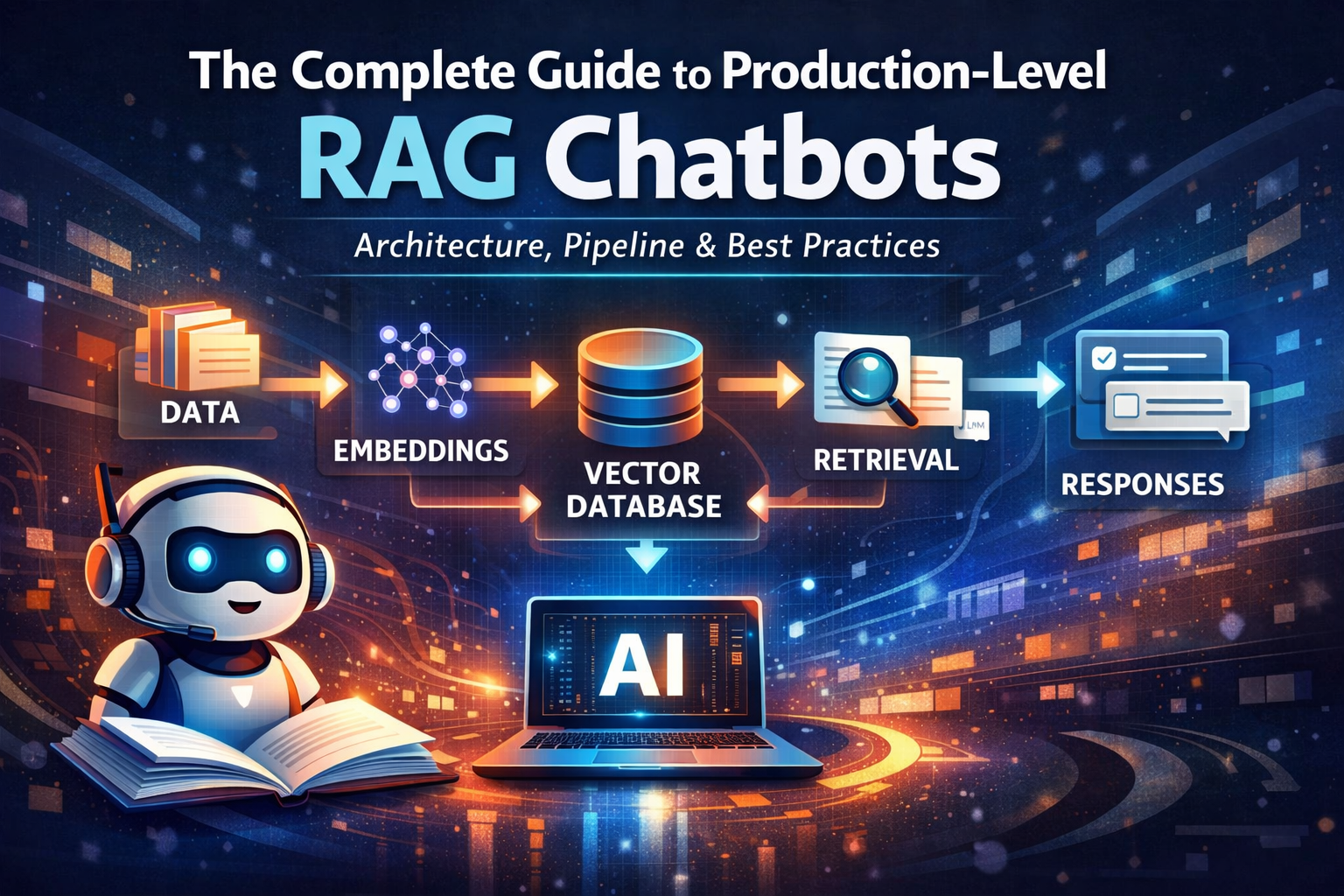
The Complete Guide to Production-Level RAG (Retrieval Augmented Generation): Architecture, Pipeline, and Best Practices
-
 Appetenza
- 4 minutes, 41 seconds To Read
- 2026-01-29 08:45:02
Retrieval Augmented Generation (RAG) is the technique that allows an AI chatbot to answer questions using your own data, not just what a language model learned during training. Instead of relying only on an LLM’s memory, we give it a search engine + knowledge base. This is how modern AI support bots, company knowledge assistants, legal document bots, and technical help systems are built.
A production RAG system is not just “LLM + database.” It is a pipeline of intelligent components working together: data processing, embeddings, search, ranking, prompting, memory, safety, and evaluation. Let’s explore every part in detail.
1️⃣ What is RAG and Why It Matters
RAG combines two systems: Retrieval (finding relevant information) and Generation (LLM creating a response). LLMs are powerful but have limits — they don’t know your private data, may hallucinate, and can’t access updated documents by default.
Example:
User asks: “How do I configure Nginx reverse proxy?”
The RAG system searches documentation, finds relevant sections, sends them to the LLM, and the LLM answers using that information.
2️⃣ Data Collection and Preparation
Your chatbot is only as good as the data you provide. Sources include PDFs, websites, databases, internal docs, support tickets, and more. Before using data, clean it by removing headers, footers, duplicate content, and formatting issues.
Example: A 200-page PDF manual should be converted into clean readable text paragraphs. Messy data leads to poor embeddings and bad answers.
3️⃣ Document Chunking (Critical Step)
Large documents must be split into smaller pieces called chunks because LLMs have input size limits.
- Chunk size: 300–800 tokens
- Overlap: 10–20%
Good Chunking Example:
- Chunk 1: Installing Nginx
- Chunk 2: Basic Configuration
- Chunk 3: Reverse Proxy Setup
- Chunk 4: SSL Configuration
Better chunking = better retrieval = better answers.
4️⃣ Embeddings: Turning Meaning into Numbers
Embeddings convert text into numerical vectors that represent meaning. Similar meanings produce similar vectors.
Example: “Fix server error” and “Troubleshoot backend issue” will have similar embeddings even though words differ.
5️⃣ Vector Database (Semantic Search Engine)
A vector database stores embeddings and enables similarity search. Instead of keyword matching, it finds content based on meaning.
Popular Vector DBs: Pinecone, Milvus, Weaviate, Chroma, PostgreSQL + pgvector.
6️⃣ Hybrid Search (Vector + Keyword)
Hybrid search combines semantic similarity with keyword matching for higher accuracy.
Example: Query “error code 502 nginx” benefits from keyword match (exact error) and vector match (explanation text).
7️⃣ Re-Ranking (Improving Relevance)
Vector search returns top results, but re-ranking models reorder them based on deeper relevance scoring.
This step removes weak matches and improves final answer quality significantly.
8️⃣ Prompt Engineering for RAG
Prompt design controls LLM behavior. A good prompt restricts the model to only use provided context.
You are a helpful assistant.
Answer only using the provided context.
If the answer is not found, say "I don’t know."
9️⃣ The Role of the LLM
The LLM reads the question, retrieved context, and instructions to generate a natural language response. Examples include LLaMA, GPT models, Claude, and Mistral.
In RAG systems, retrieval quality often matters more than model size.
🔟 Conversation Memory
Chatbots need memory for follow-up questions.
- Short-term memory (current chat)
- Long-term memory (user preferences)
- Vector memory (past chats stored as embeddings)
1️⃣1️⃣ Context Window Management
LLMs have token limits. You must balance system prompts, chat history, and retrieved context. Smart trimming ensures relevant information fits without overflow.
1️⃣2️⃣ Caching for Speed and Cost
Caching embeddings, search results, and LLM responses reduces latency and API costs. Production systems rely heavily on caching layers.
1️⃣3️⃣ Guardrails and Security
Production bots must prevent prompt injection, data leaks, and unsafe outputs. Always restrict answers to trusted knowledge sources.
1️⃣4️⃣ Evaluation and Monitoring
Continuously measure answer accuracy, hallucination rate, and retrieval relevance. Evaluation ensures your RAG system improves over time.
🏗 Final Production RAG Architecture
User → API → Embedding Model → Vector DB
     → Hybrid Search → Re-ranker
     → Prompt Builder → LLM
     → Response + Memory + Logs
🎯 Key Takeaways
- Good chunking improves everything
- Embeddings power semantic search
- Hybrid retrieval + re-ranking boosts accuracy
- Prompt control reduces hallucinations
💡 Tips & Tricks for Building a High-Quality RAG Chatbot
- Use overlap in chunking – prevents context loss between sections.
- Store metadata (source, page, topic) for smart filtering later.
- Start with small chunks, then tune based on answer quality.
- Log failed queries to discover missing knowledge.
- Use re-ranking if answers feel “almost correct” but not precise.
- Limit LLM creativity in factual bots using strict prompts.
- Cache embeddings to drastically reduce costs.
- Continuously evaluate with real user questions, not just test data.
Pro Insight: In RAG systems, improving retrieval quality gives bigger gains than switching to a larger LLM model.
